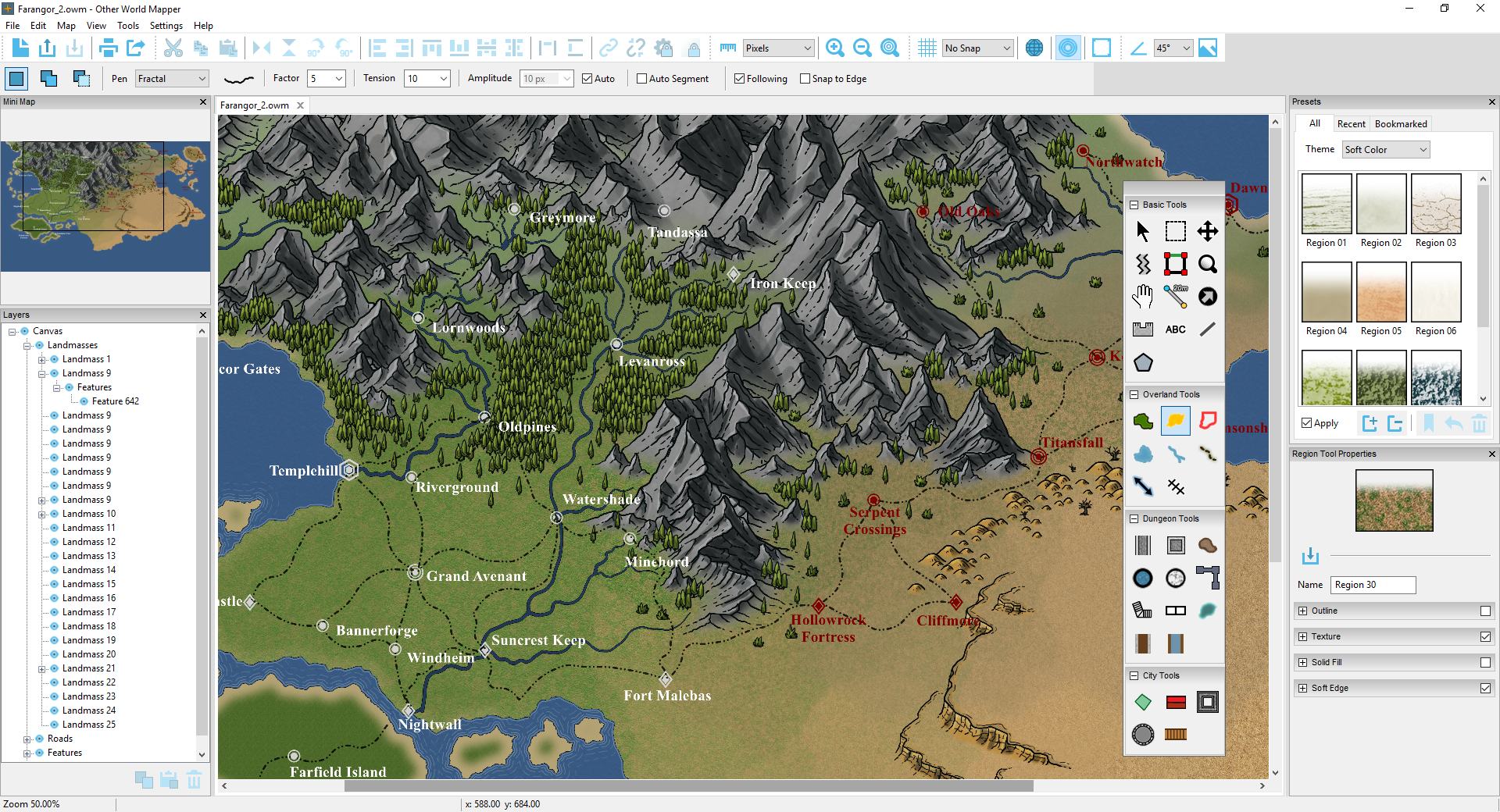
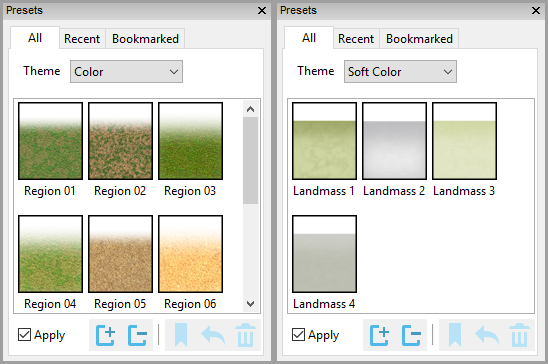
The preset palette shows a list of presets that can be applied to a tool or an existing item. Other World Mapper includes a varied collection of presets and you can always select the detailed properties of an item to apply those settings as well as saving them as new presets to use again or share with others.
Copy properties from one item, and paste to another. Set the tool properties based on an item's properties.
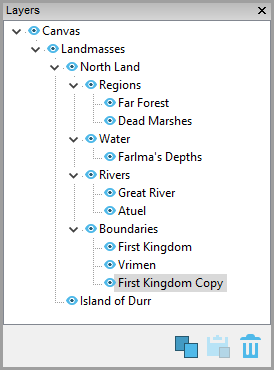
The layers window allows quick selection and navigation to objects or groups of objects(i.e. regions, bodies of water), as well as hiding, copying and pasting individual items or all items of a particular type (i.e. all regions).
This features allows links between files. For instance, you could add a link within an overland map to a city map or a dungeon map. You could also use this feature to link to more detailed versions of the same map. For instance, you could create a new map from a region, add more detail, then link the overall map to the more detailed map of the region. This option also allows links to images and pdf files you have have created outside Other World Mapper.
Other World Mapper lets you add notes to map items, such as history, location description, GM notes, etc. This would be a useful tool for GM's, or anyone building a world for a story.
Notes are done via rich text support allowing full formatting of text and the functionality of a simple text editor.
This feature allows you to create a new map from an individual item or group of items. For instance, this feature could be used to select an small island from a large map to create a separate upscaled map.
Because all shapes are stored internally as vectors, you can freely scale the selection.
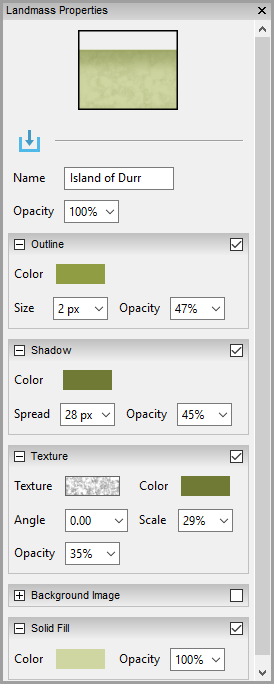
Customizable settings for each map element include textures and backgrounds, outlines, shadows and more, customized to the specific item type. All items rasterize real-time as they are changed so you can see the efect of your changes immediately.